Meet your team like you're
still at the office
Hideout is a virtual office where your team can work together as if you were all in the same room — wherever you actually are.
What makes Hideout different
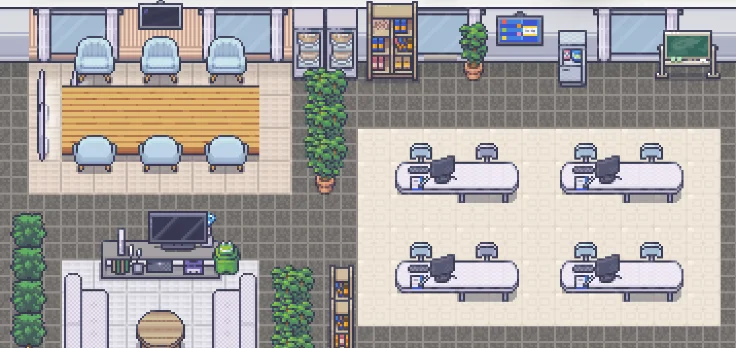
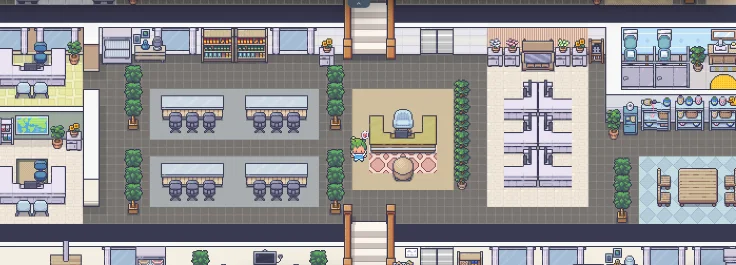
Hideout lets you build a workspace in your own style and work alongside your teammates as if you were all in the same office.
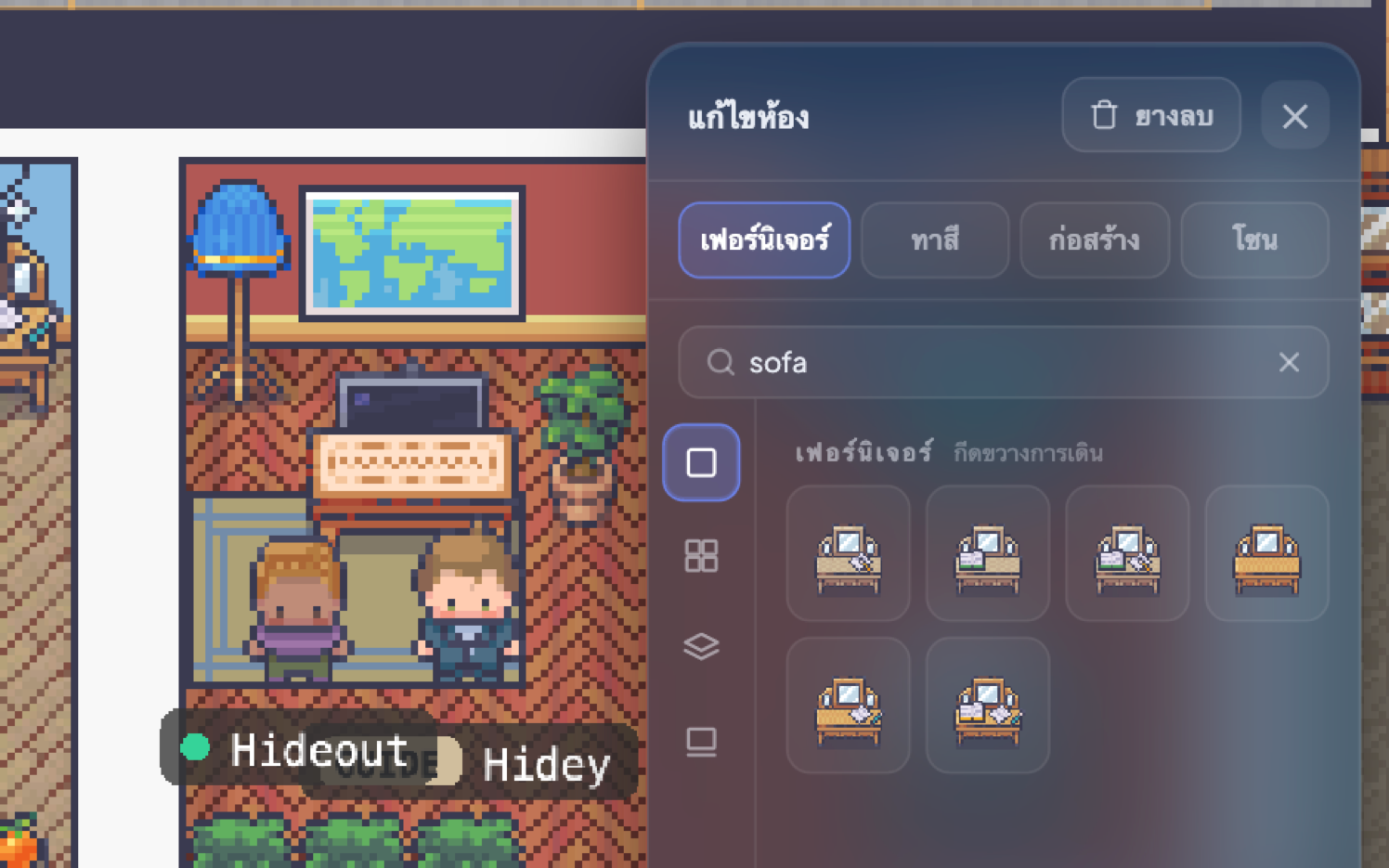
Build your ideal workspace
Rearrange your space whenever you like, for a working atmosphere that suits you.
- Drag and drop furniture in a single click
- Rearrange the floor plan any time
- Shape the workspace into your space
Talk to your teammates any time
The familiar feel of working together, no matter how far apart you are.
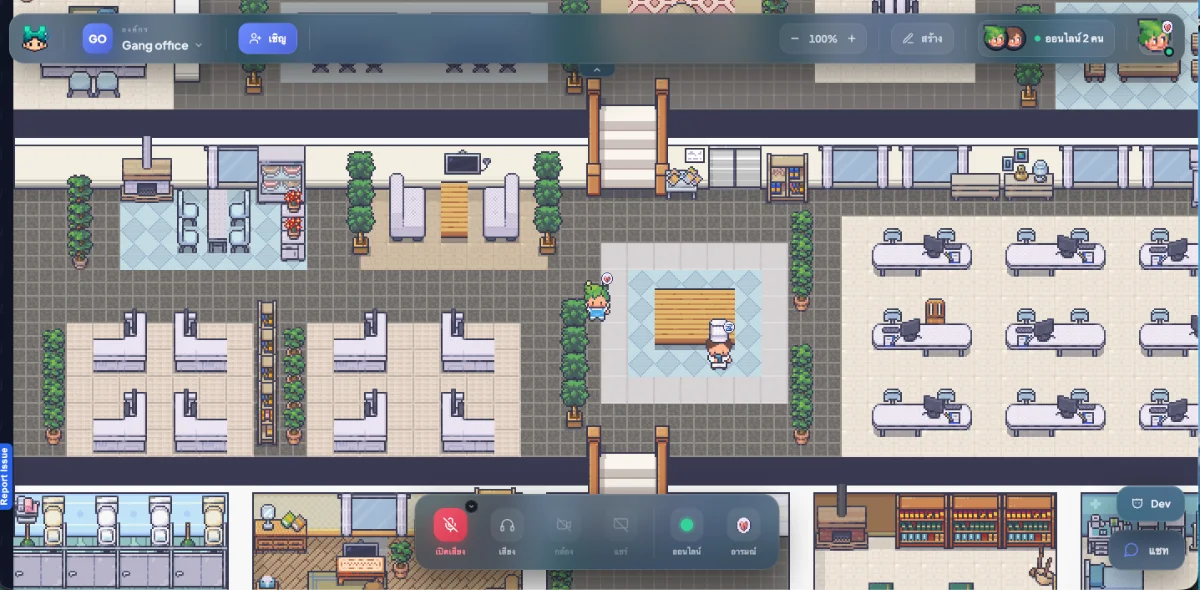
- See who's around in real time
- Walk over and start talking
- Share your screen or start a video call in seconds
Build a workspace
that belongs to your team
Everything your team needs — drag and drop, arrange rooms, and talk in real time.
Hear each other whenever you're in the same room or standing nearby. No call to join.
See where your teammates are and what they're up to, then walk over and start talking as if you shared an office.
Switch on a real video meeting the moment you need one — not just avatar icons.
Lock a desk and set who can enter — good for confidential meetings or heads-down focus time.
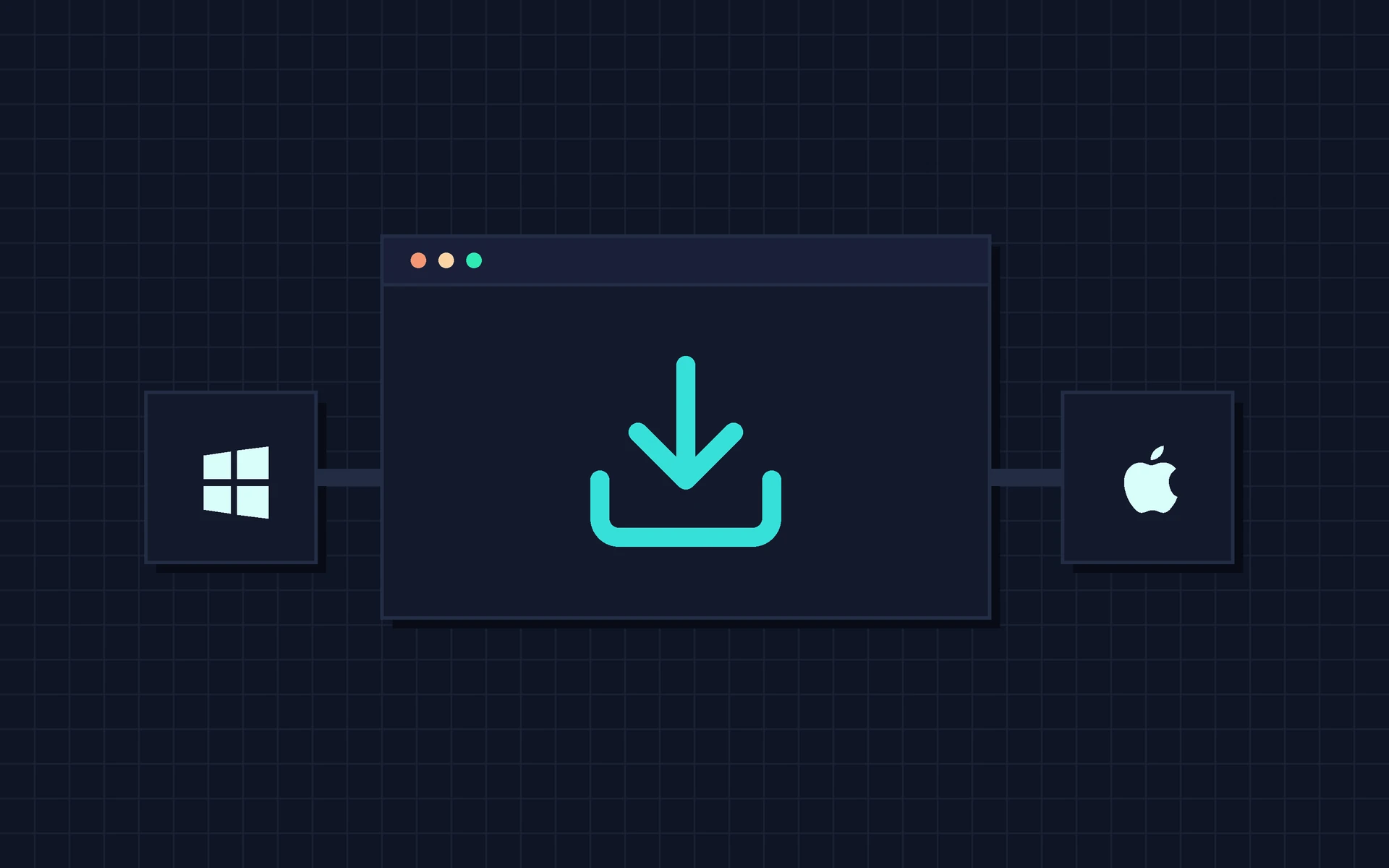
Run Hideout right on your desktop
Install the desktop app for a smoother ride — open Hideout straight from your machine,
with full-quality screen sharing. Available for Windows and macOS.




"No scheduling, no camera on all day. Just walk over to your peer, the way you would in a real office."
Pick the plan
that fits your team
Try it free. No credit card required.
Free
Free
Try Hideout free, starting today.
- Unlimited users
- Video & voice chat
- Screen sharing
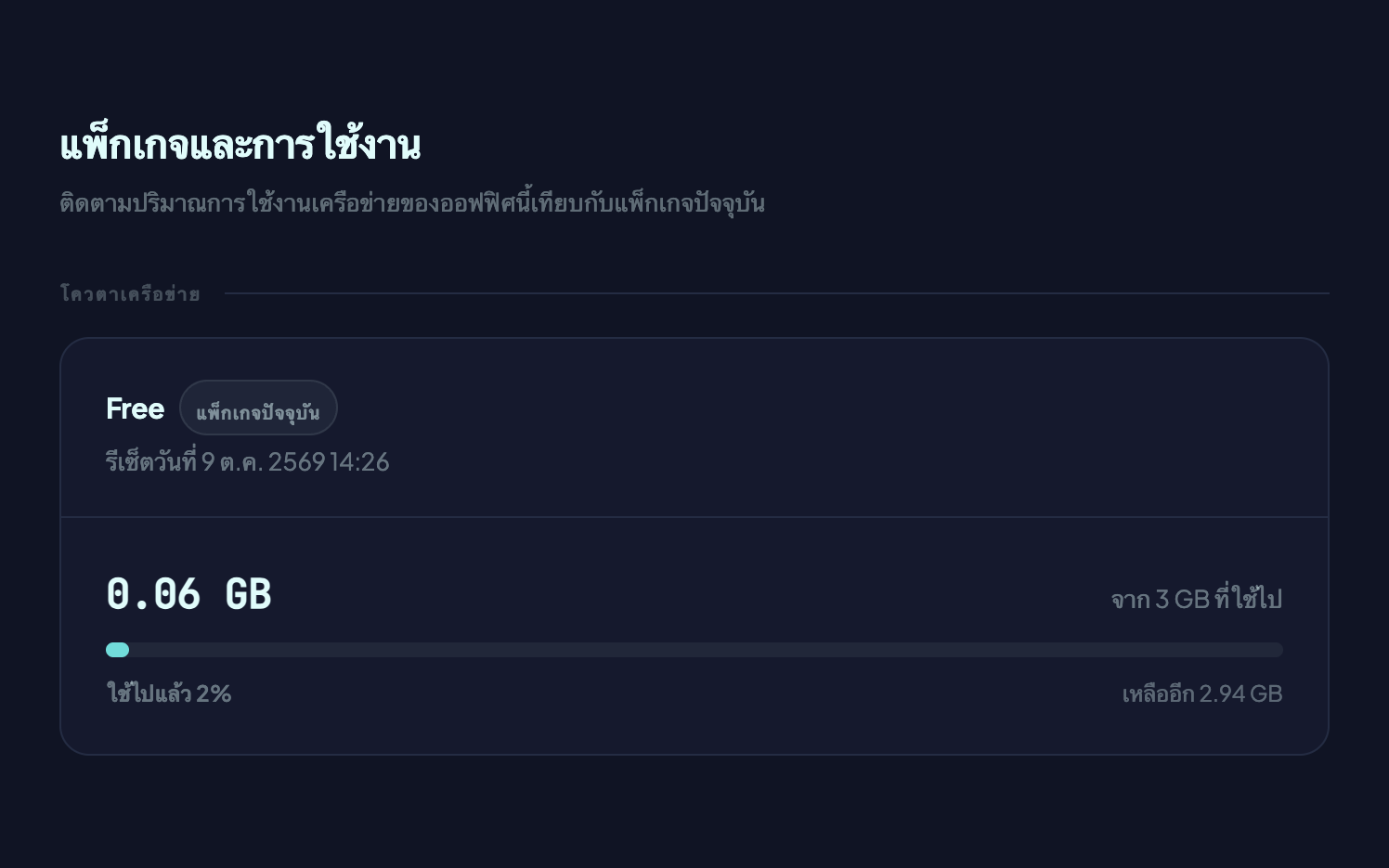
- Limited usage
Starter
Coming soon
For teams who need more usage limits.
- Unlimited users
- Video & voice chat
- Screen sharing
- Higher usage limits
Team
Coming soon
For larger organizations that need stronger security and dedicated support.
- Unlimited users
- Video & voice chat
- Screen sharing
- Highest usage limits
Frequently asked questions
Things people usually want to know about Hideout
Hideout is a pixel-art virtual office your team can customize room by room. Walk between rooms, talk, and work together as if you were in a real office — wherever you actually are.
The Free plan is genuinely free. No credit card, no hidden charges. It does come with usage limits, and paid plans are on the way soon.
Every plan supports unlimited users, because we charge for data usage rather than headcount. Invite as many colleagues as you like.
Hideout runs in your web browser and as a desktop app. In the browser there is nothing to install — we recommend Google Chrome or Microsoft Edge. The desktop app is available for Windows and macOS, for anyone who would rather keep Hideout open all day separately from their browser tabs.

Ready to move offices yet?
Join now and see what a modern virtual office feels like.
Start for free